





File your VAT return in Taxmo
Taxmo builds your BTW return from the bookkeeping you already keep, and sends it straight to the Belastingdienst through Digipoort, the government's official gateway. No retyping in Mijn Belastingdienst.
1. Get your bookkeeping up to date
- All sales invoices are in Taxmo.
- Receipts are added (see How to scan a receipt).
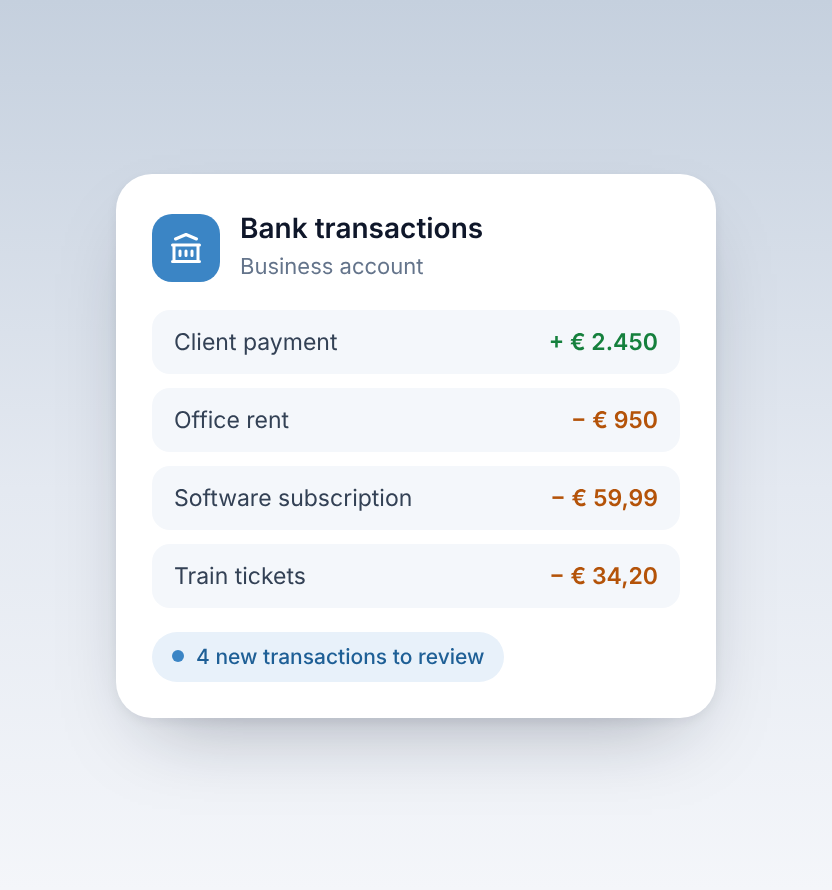
- All bank transactions for the quarter are booked (see How to connect your bank account).
2. Run the Pre-flight Check
Go to Tax Filing → Pre-flight Check, choose the quarter and click Run Checks. Taxmo checks for missing data, wrong VAT rates and other common mistakes, and tells you if your business profile is missing your KVK number or BTW-id. Fix anything marked fail before you file. A warning is worth a look, but is not something wrong necessarily.
When can you file? From the 24th of the last month of the quarter. For Q4 that's 24 December at the earliest. If you're too early, the Pre-flight Check shows it as a fail.
3. Check the numbers
Go to Tax Filing → Reports → BTW Snapshot to see the VAT you owe for the quarter, and the Transaction Log with every transaction behind it, with its VAT rate and amount.
4. Submit to the Belastingdienst
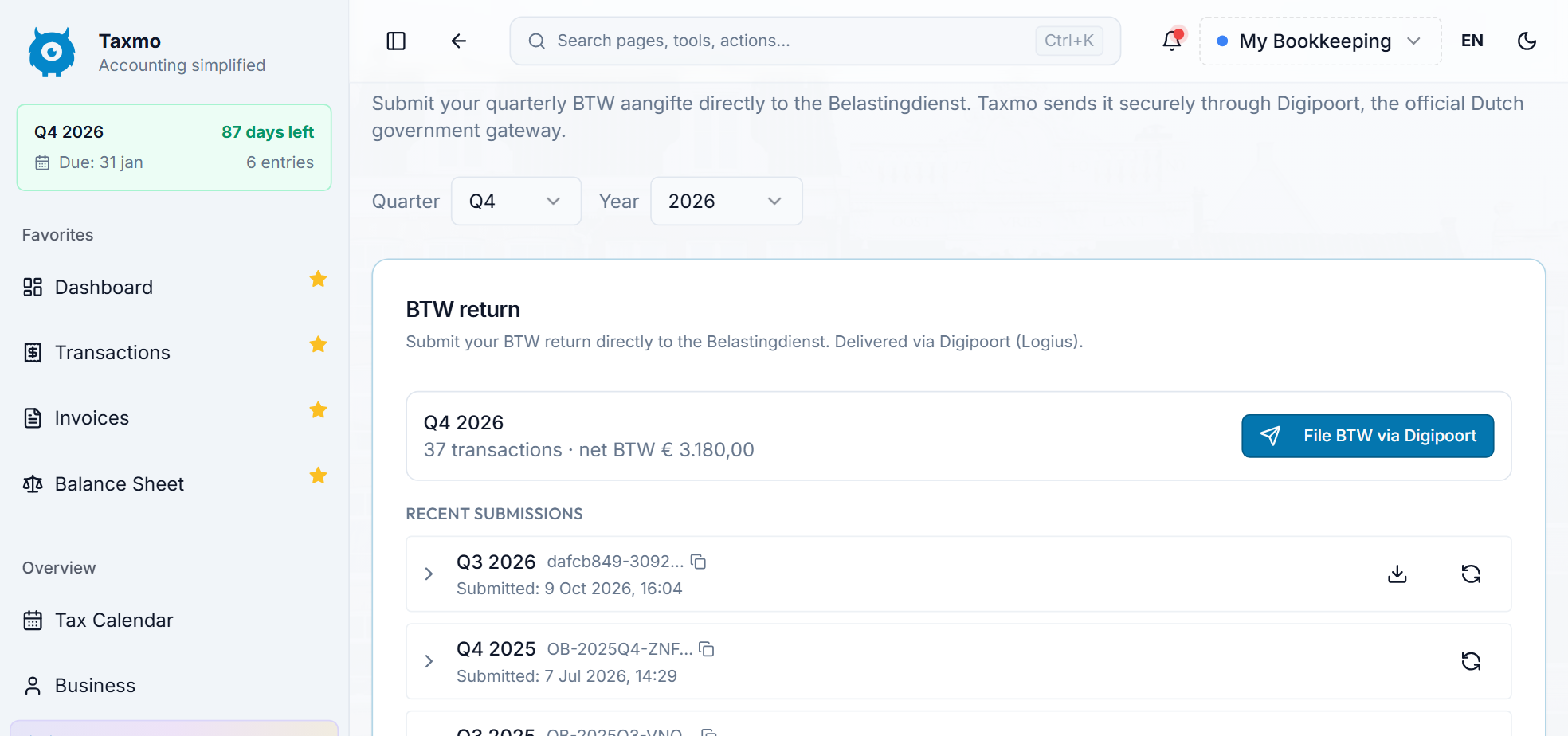
Go to Tax Filing → File BTW, choose the quarter and year, and click File BTW via Digipoort. If bank transactions are still open, Taxmo shows a warning here first.
In the confirmation window, check your BTW-id and the net amount, tick I confirm I am authorized to file this BTW return on behalf of this business, and click Submit definitively.
The return then appears under Recent submissions.
5. Pay on time
Filing and paying are separate steps. Pay the amount due yourself by bank transfer, using the payment reference (betalingskenmerk) shown with your return in Mijn Belastingdienst Zakelijk.
Quarterly deadlines for filing and payment: 30 April, 31 July, 31 October and 31 January.
Made a mistake after filing?
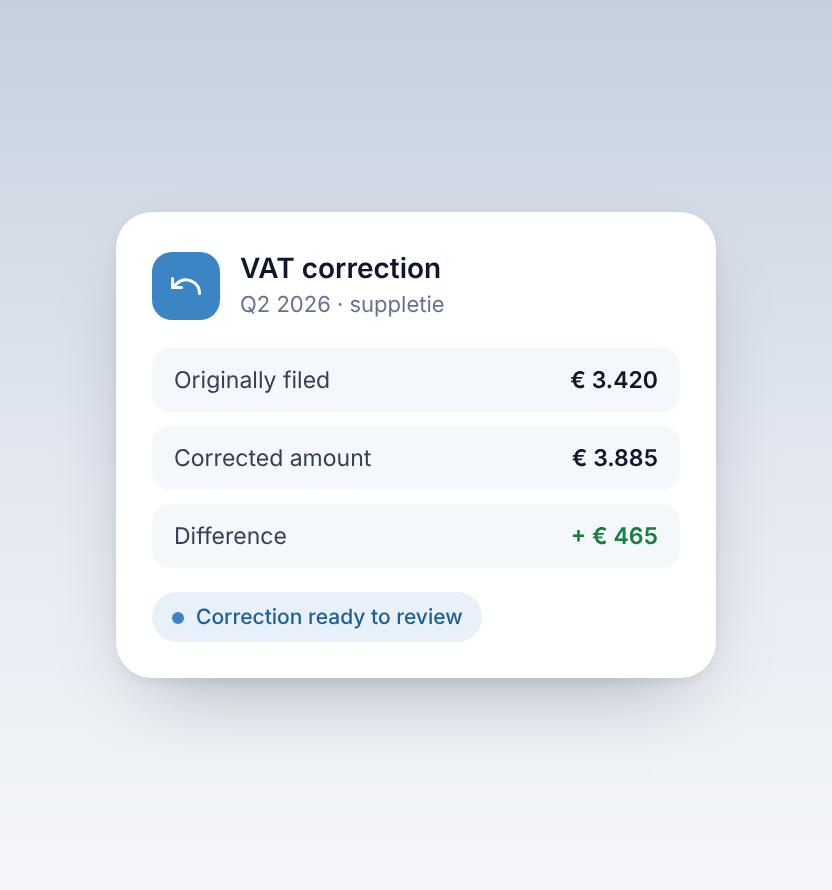
A submitted return can't be withdrawn. Fix it with a correction under Tax Filing → VAT Correction. See also VAT corrections.
More about VAT returns in Taxmo.


