





Give your accountant access
Working with an accountant? Invite them into Taxmo so they see your invoices, expenses, transactions and reports directly. No more sending files back and forth.
Available on Pro. Accountant access is part of the Pro plan.
1. Open Accountant Access
Accountant Access isn't in the side menu. Type accountant in the search bar at the top of Taxmo and choose Accountant Access.
2. Invite your accountant
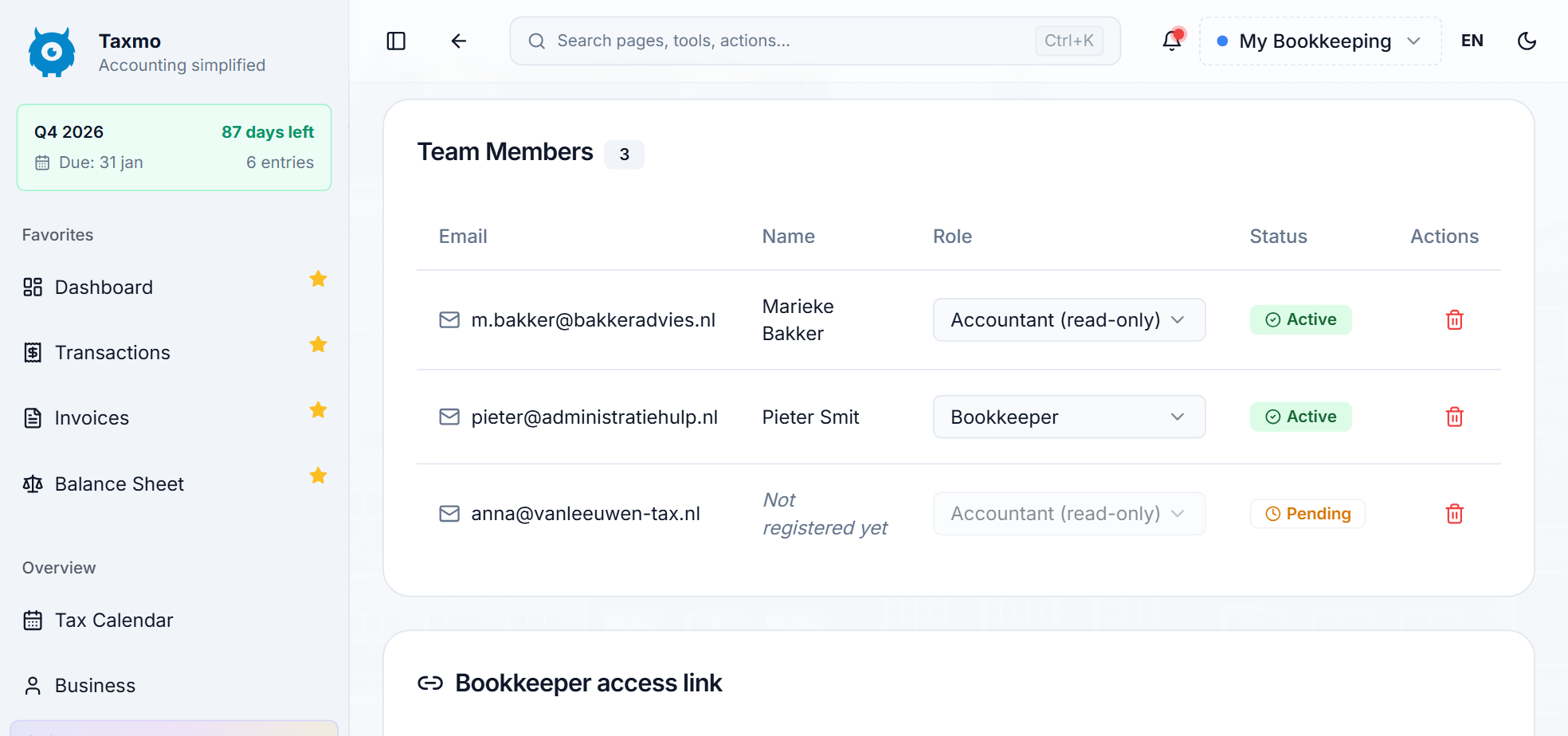
Click Invite, enter your accountant's email address and choose their role:
- Read-only: they can view all financial data, reports, journal entries and invoices, but cannot create, edit or delete anything.
- Full access: they can also create and edit entries, invoices and journal entries.
The role is set to Read-only unless you change it. Click Send Invitation.

3. Your accountant accepts
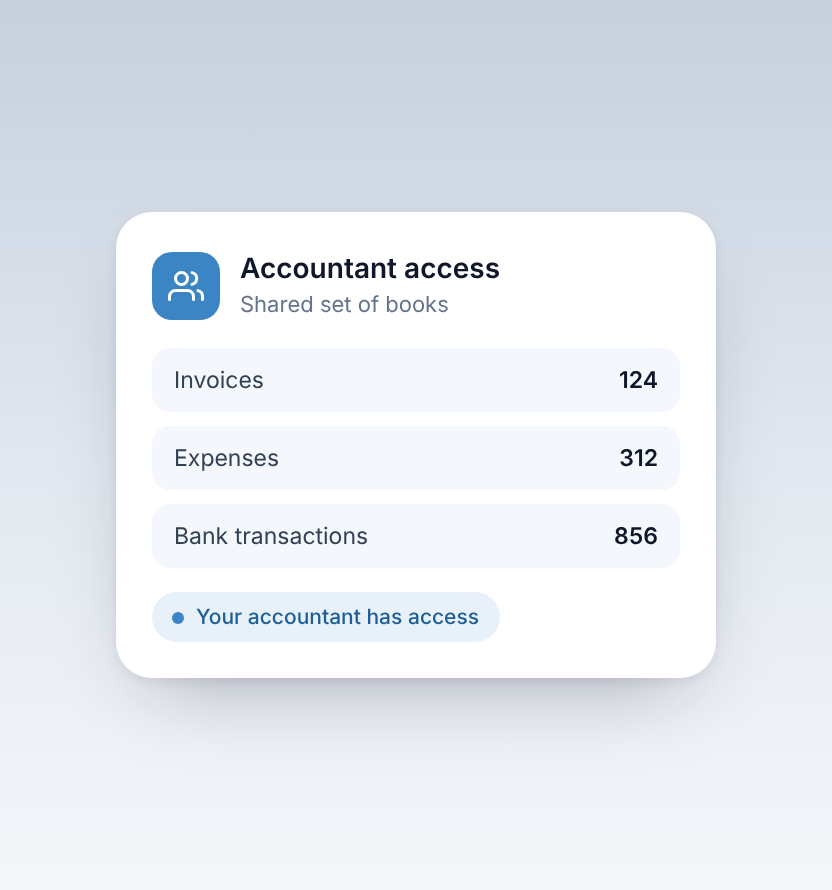
Your accountant opens the link in the email and logs in, or creates a free Taxmo account first. From then on they see your books.
4. Remove access when you want
You can remove your accountant on the Accountant Access page at any time. They immediately lose all access to your data.
Inviting a colleague or bookkeeper?
Use Team Access instead. The link is at the top of the Accountant Access page.
Is your accountant an accounting firm?
Firms can manage all their clients in one place with Taxmo Kantoor.


